


The right role for every task ...
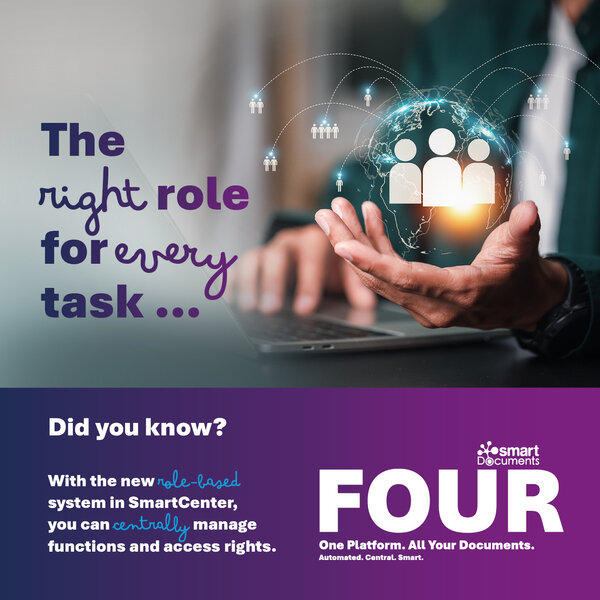
Did you know?
With the new role system in SmartCenter, you can centrally bundle functions and access rights.
The more users work with SmartDocuments, the more important a clear permission structure becomes. Not every user needs the same functions and access rights, and especially in larger installations, maintaining individual permissions can quickly become confusing.
Mit SmartDocuments FOUR steht dafür ein neues Rollensystem zur Verfügung.
SmartDocuments FOUR therefore provides a new role system. Roles bundle functions and access rights into reusable permission packages.
Instead of configuring permissions separately for each user, you define suitable roles and then assign them to the relevant users. A user can also receive multiple roles. In the user view, you can see both the assigned roles and the resulting functions and access rights.
This keeps permissions transparent at all times.
Your benefits at a glance
- Bundle functions and access rights centrally in roles.
- Create consistent permissions for users with comparable tasks.
- Assign multiple roles to users whenever needed.
- Keep assigned roles and resulting rights transparent and easy to trace.
How it works
- Manage roles centrally:
In the “Authorization” area, you will find the new “Roles” tab. Existing roles are managed centrally there. Additional roles can be created using the plus button. - Define functions and access rights:
For each role, you define which functions and access rights it should contain. Permissions are grouped by topic and can be combined into the required permission package. - Assign roles and review permissions:
In user management, one or more roles can be assigned to a user. SmartDocuments simultaneously shows the resulting functions and access rights.
Tip: Define roles based on tasks and responsibilities – for example “Template Editing”, “Workflow Administration” or “User”.
Any questions?
We're happy to help and are always here to offer advice and support.